
Cables and connectors
Locking DisplayPort cables for professional AV
Our locking Mini DisplayPort range brings patented locking connectors to every part of your setup, so connections stay secure in demanding AV environments. The complete family of adaptors, cables and extensions connects to modern and legacy displays, including HDMI, DisplayPort, DVI and VGA, whether you need to adapt, connect directly or extend your reach. Every product is plug and play, with no drivers or software needed.

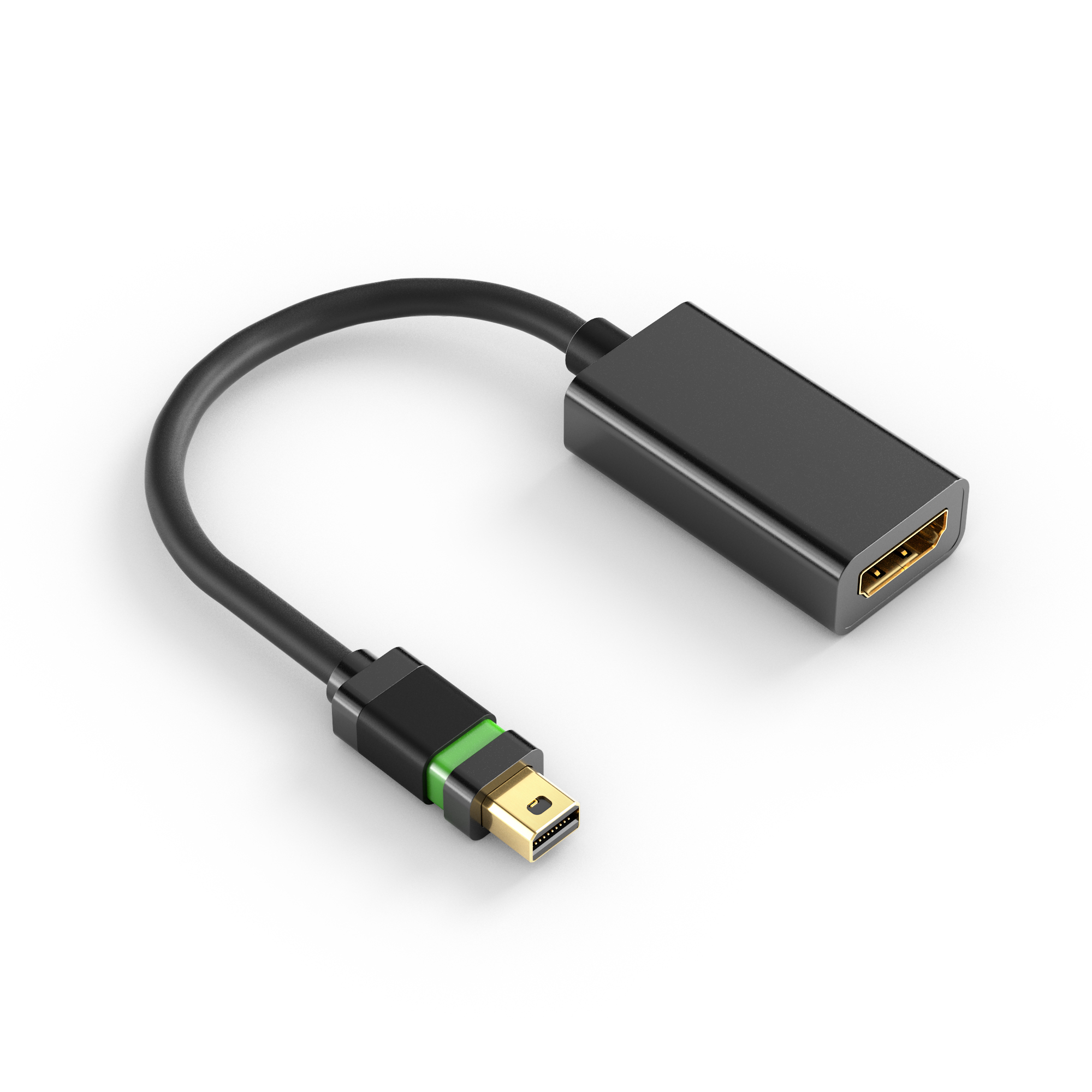
MiniDP/HDMI adaptor
- Patented locking connector: The Mini DP end locks securely into place, preventing accidental disconnection.
- Connect to HDMI displays: Turns a Mini DisplayPort output into an HDMI port for monitors, TVs, and projectors.
- High-resolution output: Supports resolutions up to [4K @ 60Hz] for sharp, detailed images.
- Compact design: Short [15cm] adaptor works with your existing HDMI cable and fits easily in a laptop bag.
- Plug and play: No drivers or software required.
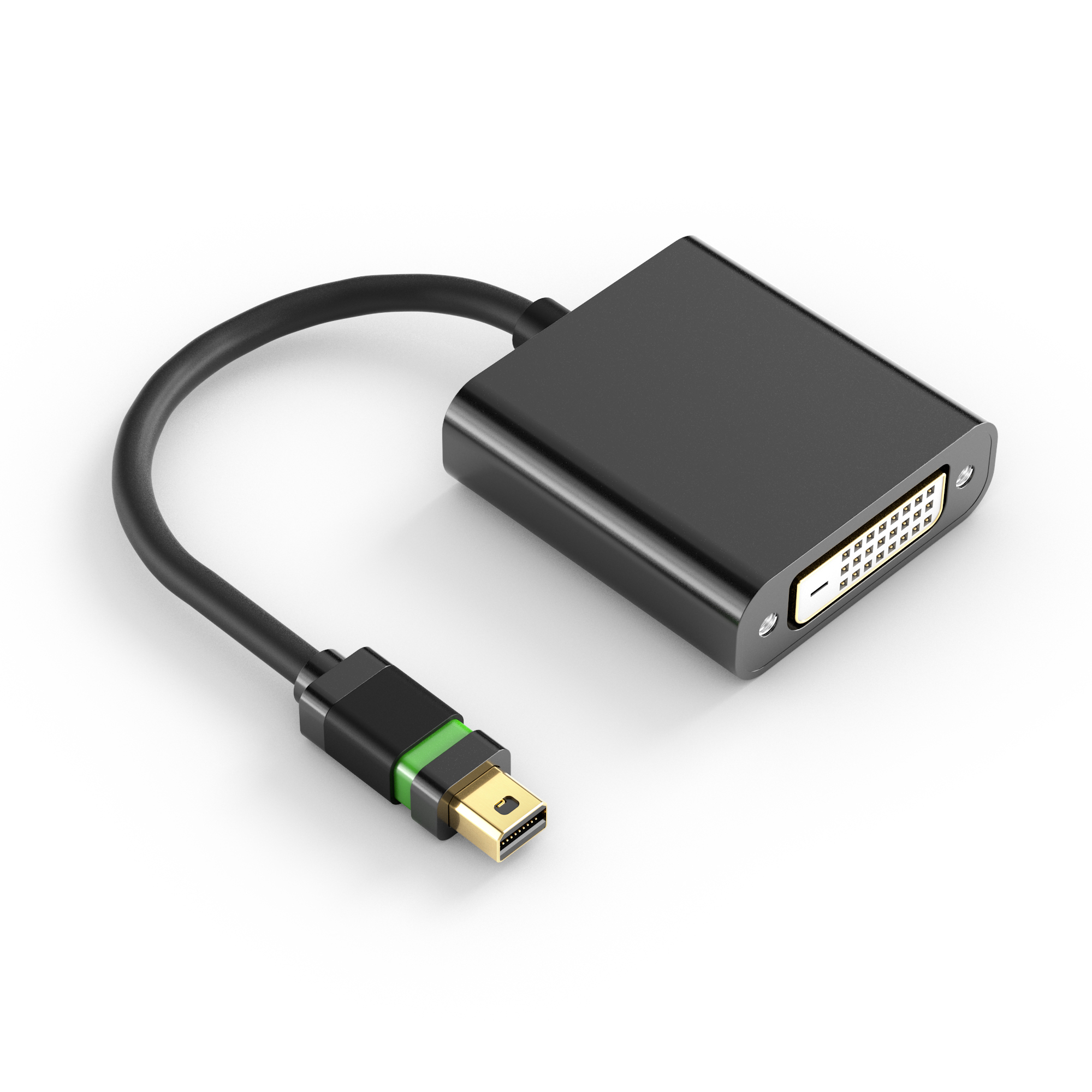
MiniDP/DVI adaptor
- Patented locking connector: The Mini DP end locks securely into place for a dependable connection.
- Connect to DVI displays: Keeps DVI monitors and projectors in service with modern Mini DP devices.
- Crisp digital video: Supports resolutions up to [1920 x 1200 @ 60Hz].
- Compact design: Short [15cm] adaptor works with your existing DVI cable.
- Plug and play: No drivers or software required.
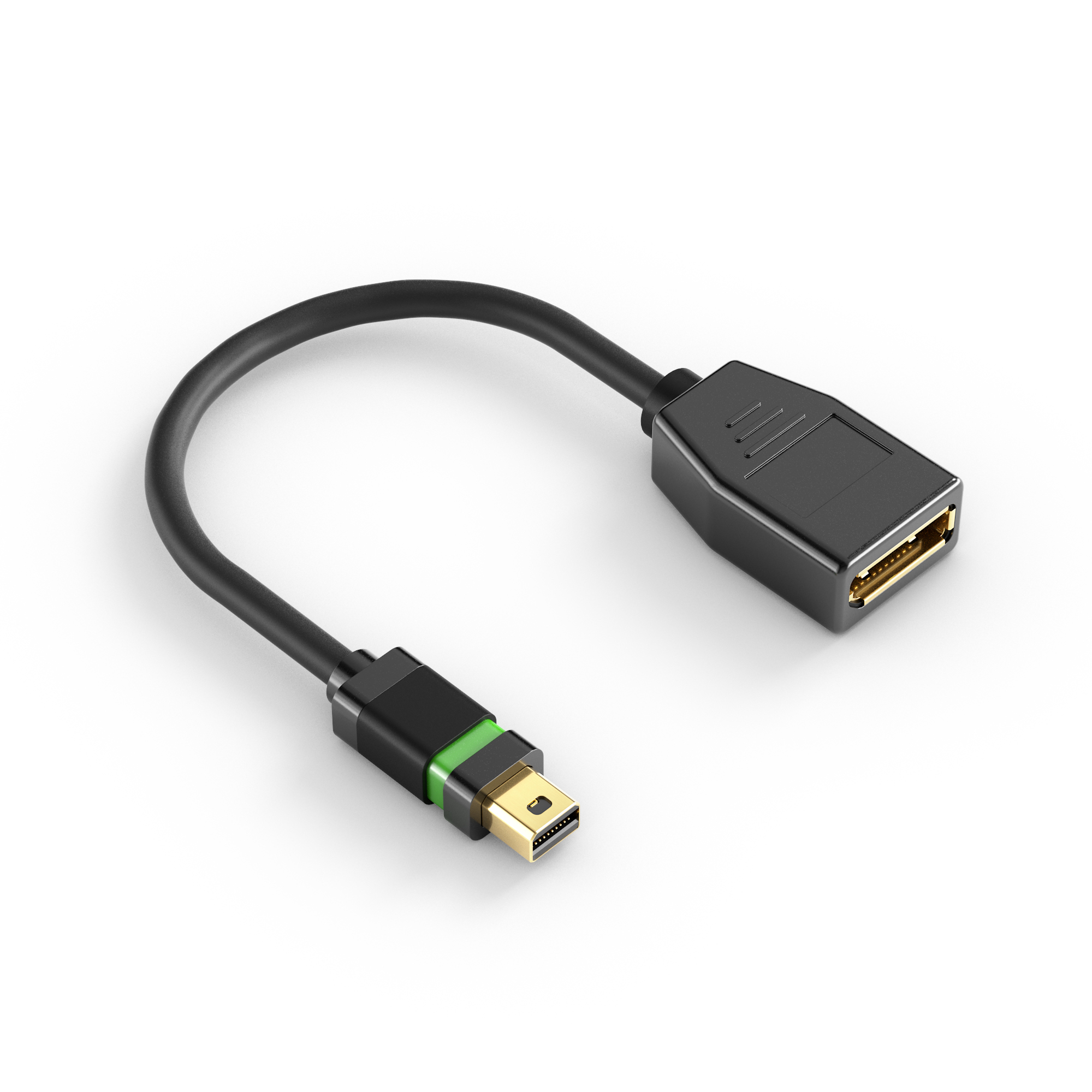
MiniDP/DP adaptor
- Patented locking connector: The Mini DP end locks securely into place, preventing accidental disconnection.
- Connect to DisplayPort displays: Converts a Mini DP output to full-size DisplayPort for monitors and docking setups.
- High-resolution output: Supports resolutions up to [4K @ 60Hz].
- Compact design: Short [15cm] adaptor works with your existing DisplayPort cable.
- Plug and play: No drivers or software required.
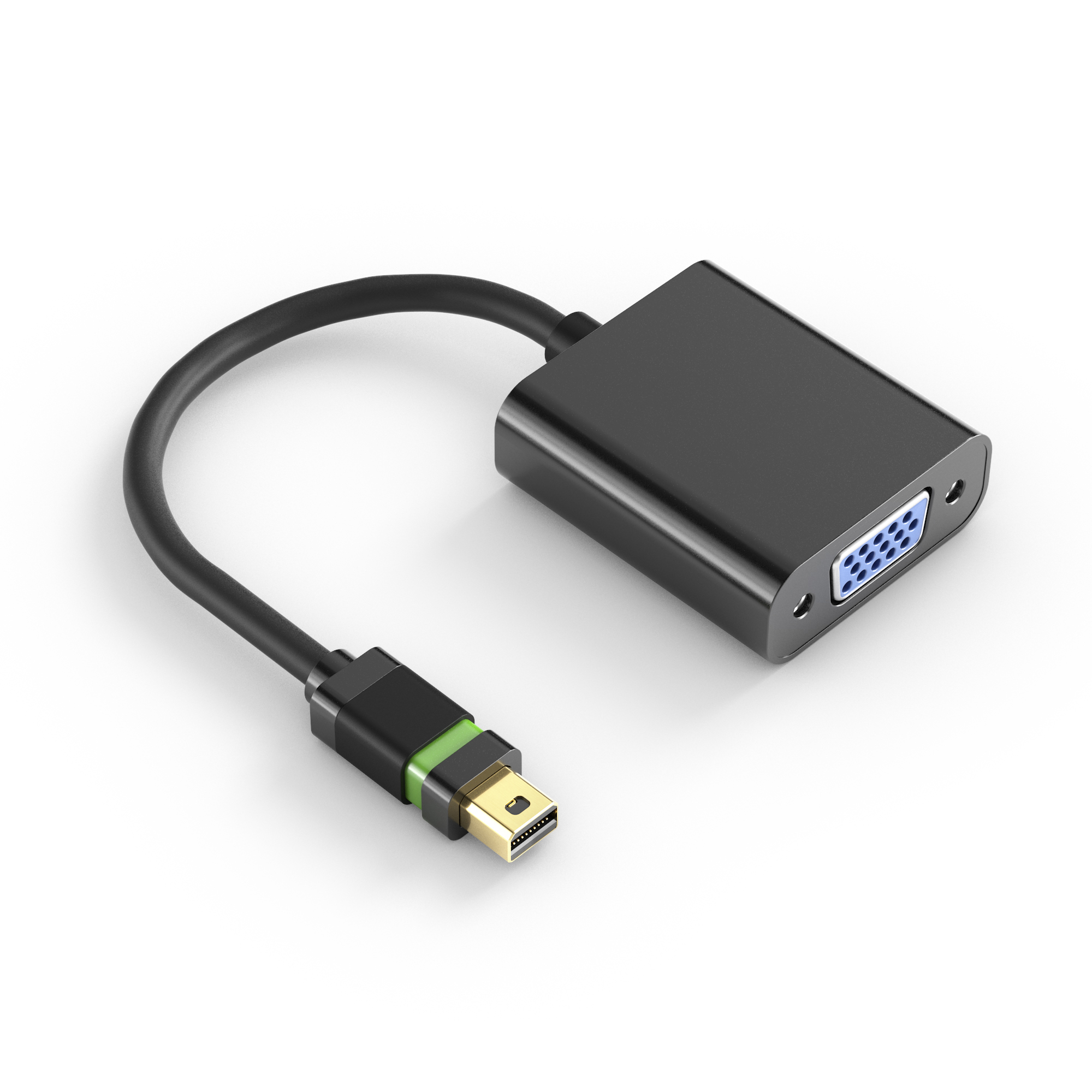
MiniDP/VGA adaptor
- Patented locking connector: The Mini DP end locks securely into place for a reliable connection.
- Connect to VGA displays: Keeps older monitors and projectors in use, ideal for classrooms and meeting rooms.
- Clear picture quality: Supports resolutions up to [1920 x 1200 @ 60Hz].
- Compact design: Short [15cm] adaptor works with your existing VGA cable.
- Plug and play: No drivers or software required.
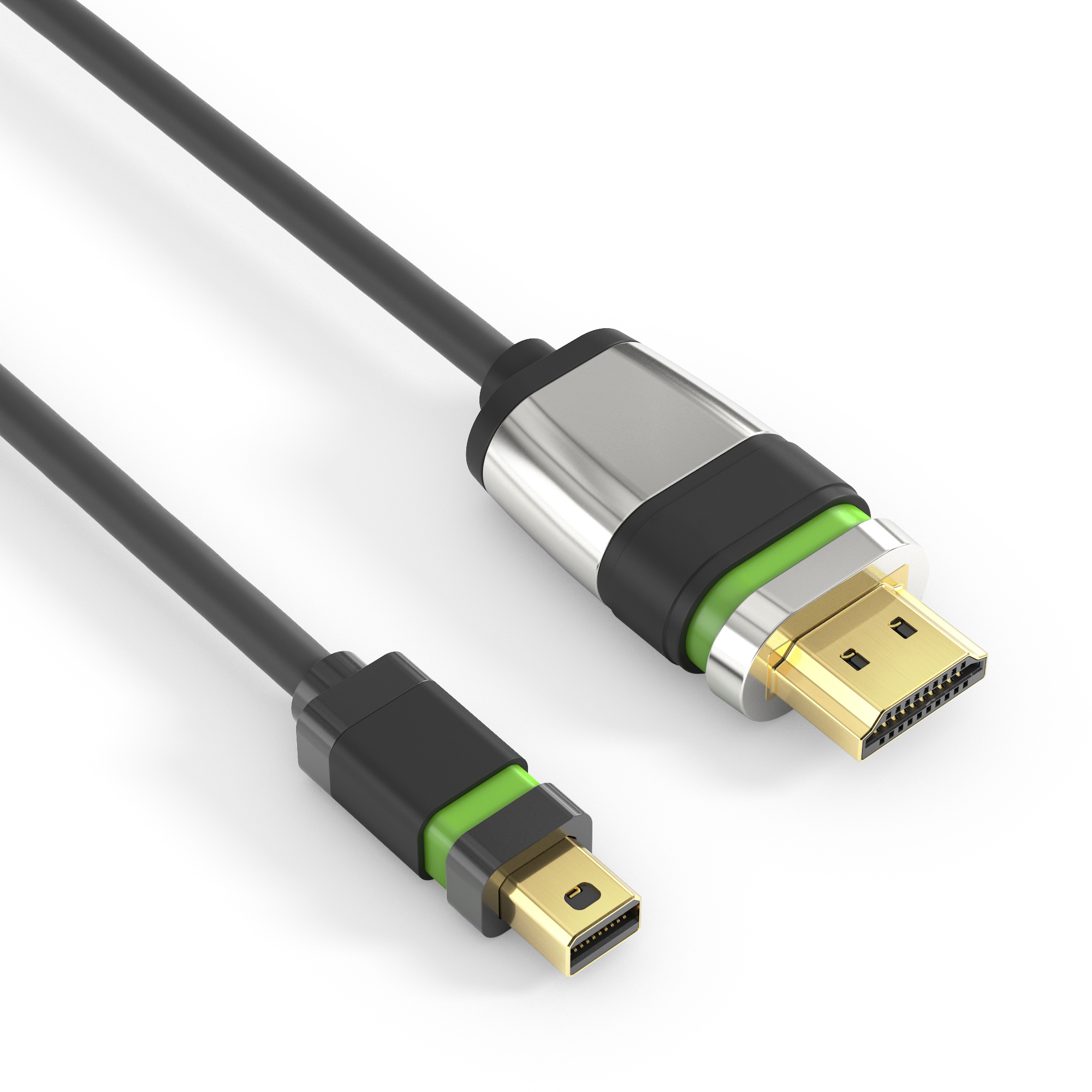
MiniDP/HDMI cable
- Patented locking connector: The Mini DP end locks securely into place, so your display stays connected.
- Direct connection: A single cable from Mini DP to HDMI, with no separate adaptor needed and fewer points of failure.
- High-resolution output: Supports resolutions up to [4K @ 60Hz].
- Choice of lengths: Available in [1m, 2m, 3m, and 5m] to suit desks, meeting rooms, and installations.
- Durable build: Gold-plated contacts and a flexible, hard-wearing jacket for long-lasting performance.
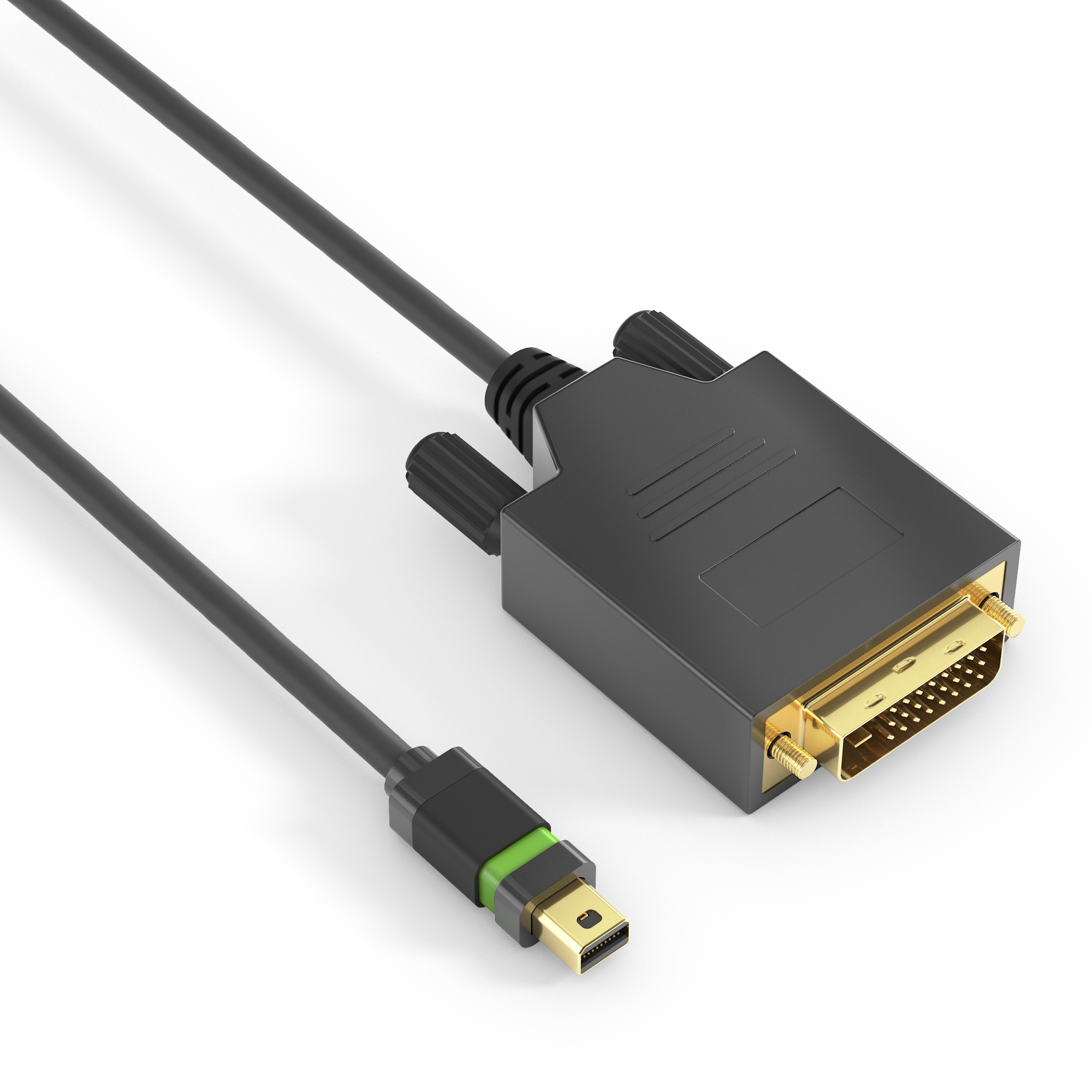
MiniDP/DVI cable
- Patented locking connector: The Mini DP end locks securely into place for a dependable connection.
- Direct connection: A single cable from Mini DP to DVI, for a clean setup with no adaptor required.
- Crisp digital video: Supports resolutions up to [1920 x 1200 @ 60Hz].
- Choice of lengths: Available in [1m, 2m, 3m, and 5m].
- Durable build: Gold-plated contacts and a flexible, hard-wearing jacket.
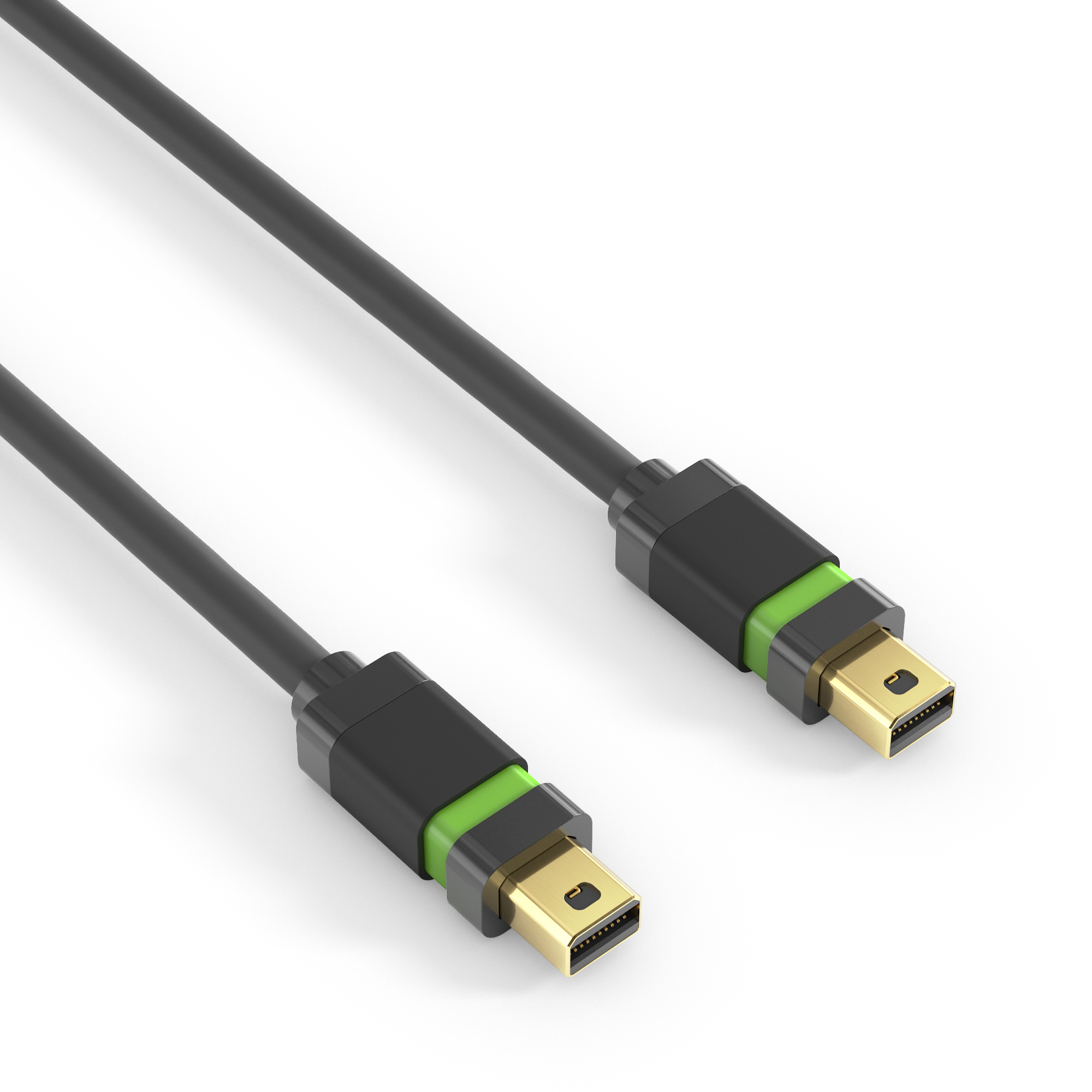
MiniDP cable
- Patented locking connectors: Both Mini DP ends lock securely into place, preventing accidental disconnection.
- Mini DP to Mini DP: Connects Mini DisplayPort devices directly to Mini DisplayPort displays.
- High-resolution output: Supports resolutions up to [4K @ 60Hz].
- Choice of lengths: Available in [1m, 2m, and 3m].
- Durable build: Gold-plated contacts and a flexible, hard-wearing jacket.
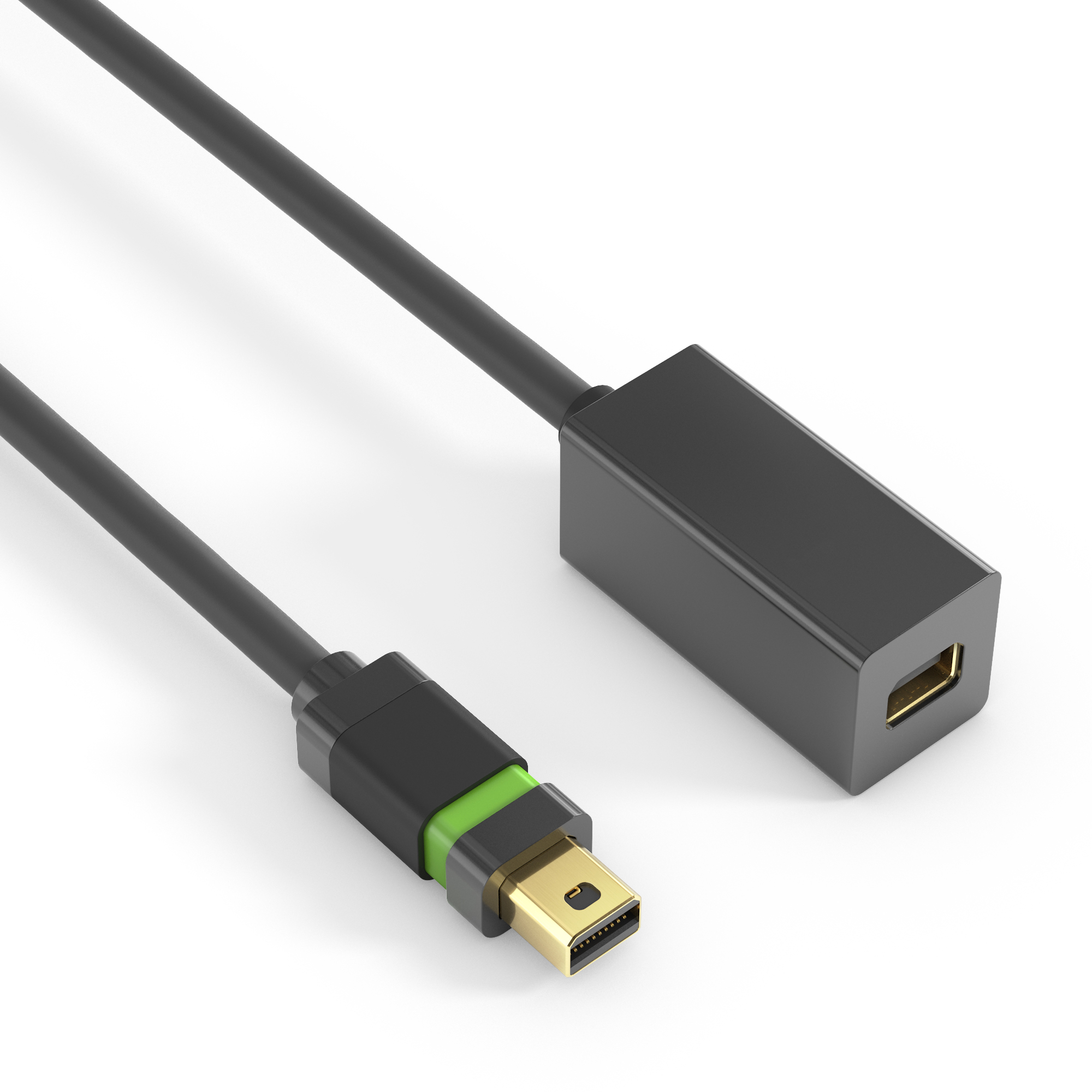
MiniDP extension
- Patented locking connector: Locks securely into place so the extended connection stays firm.
- Extend your reach: Adds length to an existing Mini DP cable or adaptor, ideal for docking setups and hard-to-reach ports.
- Maintains picture quality: Supports resolutions up to [4K @ 60Hz].
- Choice of lengths: Available in [1m, 2m, and 3m].
- Reduces port wear: Plug adaptors into the extension instead of the device, protecting your laptop’s Mini DP port from repeated use.
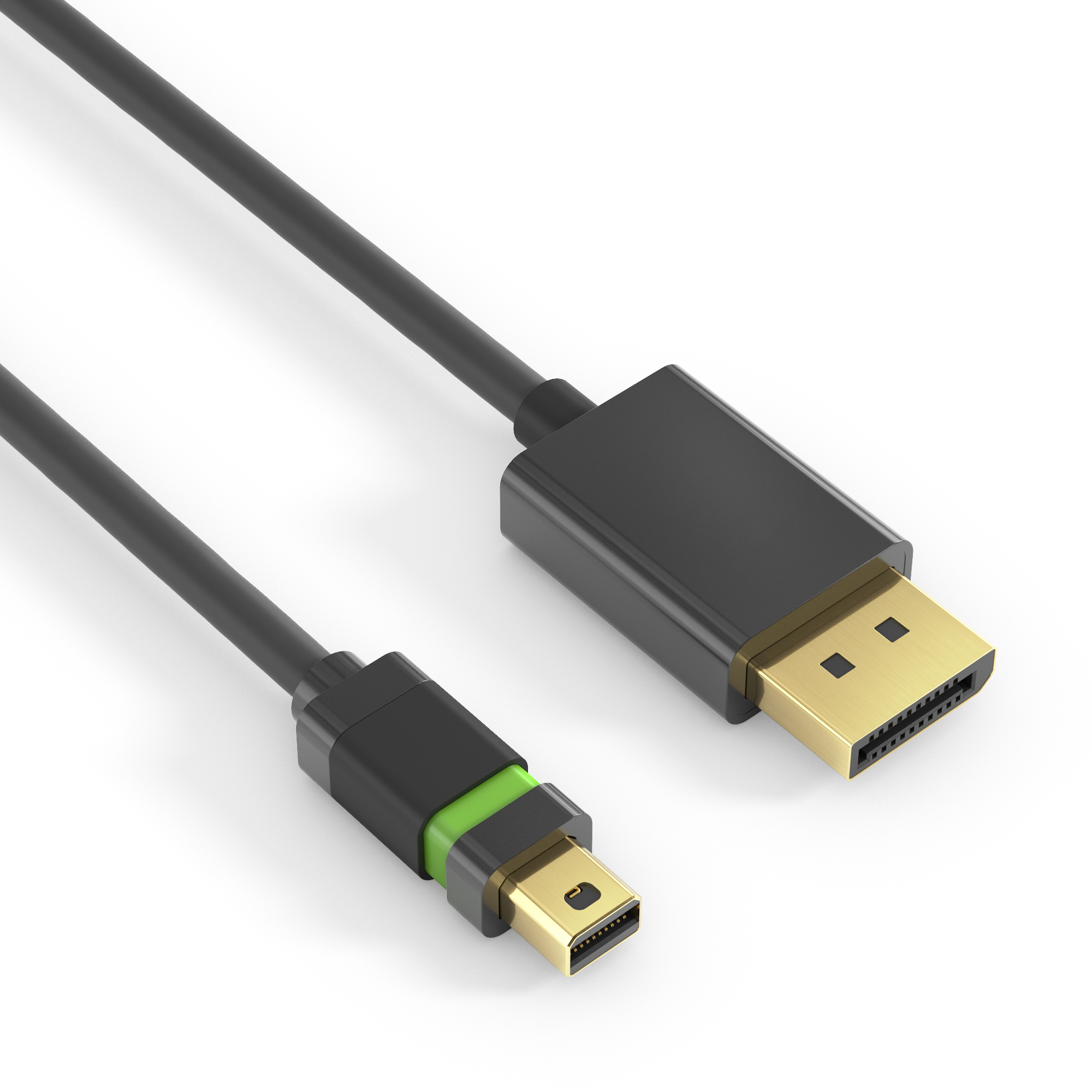
MiniDP/DP cable
- Patented locking connector: The Mini DP end locks securely into place, so your display stays connected.
- Direct connection: A single cable from Mini DP to full-size DisplayPort, with no adaptor needed.
- High-resolution output: Supports resolutions up to [4K @ 60Hz].
- Choice of lengths: Available in [1m, 2m, 3m, and 5m].
- Durable build: Gold-plated contacts and a flexible, hard-wearing jacket for long-lasting performance.
Frequently asked questions
The basics
What is a locking Mini DisplayPort cable or adaptor?
It is a standard Mini DP cable or adaptor with a mechanism on the connector that grips the port, so it cannot be pulled out by accident. It carries exactly the same video and audio signal as a normal Mini DP connection.
Why would I need one?
Unlike full-size DisplayPort, which usually has latches, the Mini DP connector has no lock at all and is held in by friction alone. It works loose easily, which causes blank screens on multi-monitor workstations, control rooms, trading desks, digital signage players, kiosks, medical carts, broadcast and rental setups.
How does the lock work?
[Mechanism description to follow.] To remove it, release the lock and pull straight out by the connector. Never pull on the cable itself.
Does it need a special locking port on my device?
No [to confirm]. The lock grips the inside of any standard Mini DP port, so no special port or bracket is needed.
Can the lock damage my device's port?
No, when removed correctly. Always release the lock before pulling. Forcing the connector out while locked can damage the connector or the port.
Can I order DisplayPort cables now?
Availability is being confirmed. Contact us and we'll tell you where things stand.
Is it the same lock as locking HDMI?
It uses a related approach. We'll publish the details once confirmed.
Compatibility
Which devices have a Mini DP port?
Mainly professional graphics cards (NVIDIA RTX/Quadro workstation cards, AMD Radeon Pro), older MacBooks, iMacs and Mac minis, older Microsoft Surface Pro models, and many business docks, laptops and monitors. If your port is a small rectangle with one angled corner, it is Mini DP.
Will it work in a Thunderbolt port?
Yes for Thunderbolt 1 and 2. These ports use the same connector (marked with a lightning bolt) and carry Mini DP video. Thunderbolt 3, 4 and 5 use USB-C instead, so choose a cable from our USB-C range.
Is it directional?
The Mini DP to HDMI, DVI and VGA cables and adaptors work one way only: the Mini DP end goes to the computer or graphics card, the other end to the display. They cannot connect an HDMI laptop to a DisplayPort monitor. The Mini DP, Mini DP to DP and extension cables work in either direction.
Can I use it with docks, switches and KVMs?
Yes, provided they have standard Mini DP ports. The lock grips the Mini DP port on whatever it plugs into.
Can I daisy-chain monitors?
Yes, with DisplayPort 1.2 or later and monitors that support daisy-chaining (MST). This works on the Mini DP and Mini DP to DP cables, not on the HDMI, DVI or VGA versions.
Adaptors and conversion
Should I choose an adaptor or a cable?
A cable is one piece from computer to display, with fewer connections to fail. An adaptor is a short lead that turns the Mini DP port into an HDMI, DVI, DisplayPort or VGA socket, so you can keep using an existing cable. Pair the Mini DP to HDMI adaptor with our locking HDMI cable to lock the connection at both ends.
What is the difference between active and passive adaptors?
Passive adaptors rely on the computer to do the conversion, which most Mini DP ports support (often marked DP++). Active adaptors convert the signal themselves. You need an active adaptor if a passive one shows no picture, for 4K at 60 Hz over HDMI, or to run three or more monitors from some graphics cards. VGA adaptors are always active. [Which of our products are active to confirm.]
Does it carry audio?
HDMI and DisplayPort carry audio, as long as the computer sends audio over its Mini DP port. DVI and VGA carry video only, so connect audio separately.
Which DVI connection does it use?
[Single-link or dual-link to confirm.] DVI-D, which is digital. Single-link DVI runs up to 1920 × 1200 at 60 Hz; higher resolutions such as 2560 × 1600 need dual-link. It will not work with analogue-only DVI-A inputs.
How good is the picture over VGA?
VGA is analogue and best suited to older projectors and monitors, up to [1920 × 1200 at 60 Hz]. For a sharper picture, use HDMI, DVI or DisplayPort where the display has one.
Troubleshooting
No picture, flickering or no sound. What should I check?
- Check both ends are fully seated and you heard or felt the lock click.
- For HDMI, DVI and VGA versions, check the direction: Mini DP end at the computer, other end at the display.
- Make sure the port is Mini DP or Thunderbolt 1/2, not USB-C.
- Set the display to the correct input.
- Lower the resolution or refresh rate to confirm the link works.
- If a passive adaptor shows no picture, or you are adding a third monitor, try an active adaptor.
- No sound? DVI and VGA carry no audio. On HDMI or DisplayPort, choose the display as the sound output in the computer's settings.
- Remove any extension cable and test again.
- Power-cycle: turn on the display first, then the computer.
- If the problem follows the cable to another setup, contact support with the part number and your computer and display models.
Interested in DisplayPort?
Tell us your country, application and expected quantity.