
Germany
PureLink GmbH
- Website
- purelink.de
- Phone
- +49 5971 809 2990
Cables and connectors


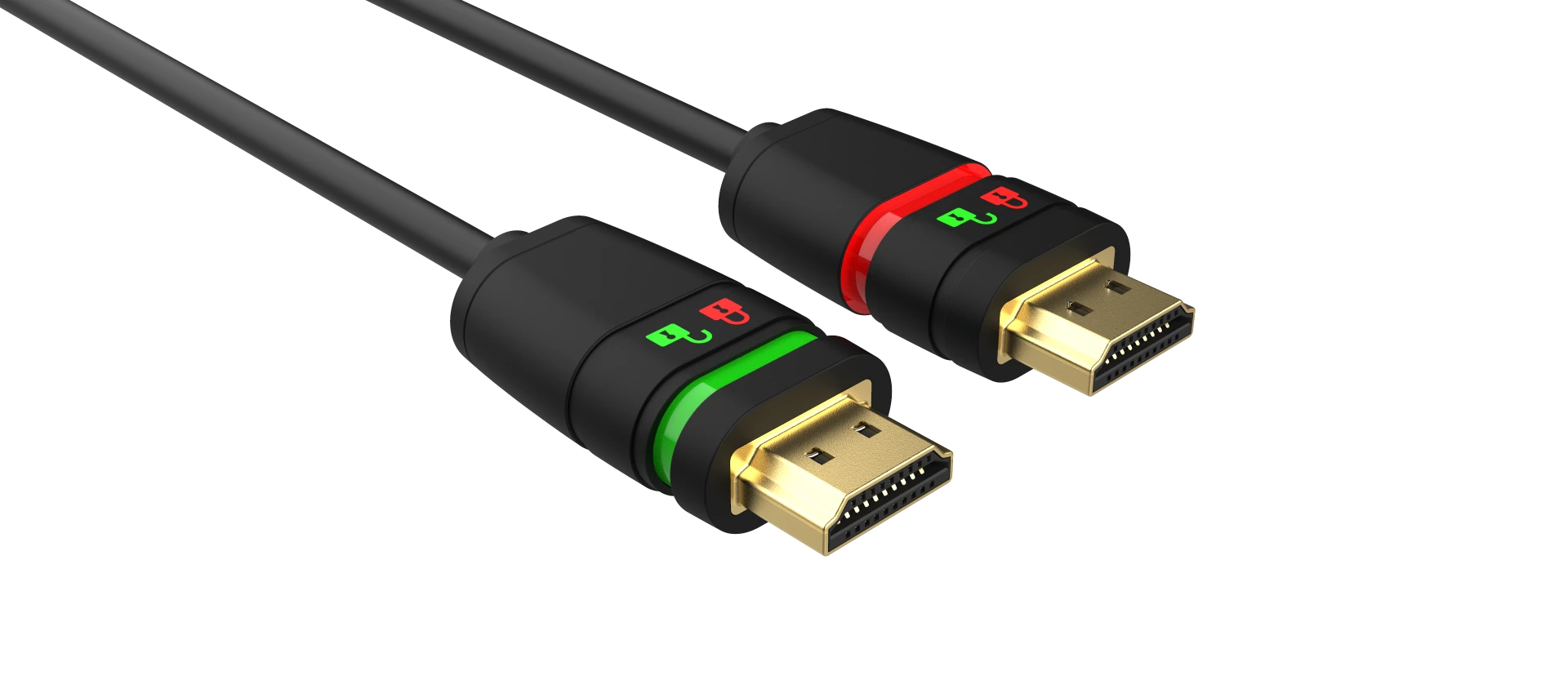
A loose cable shouldn't be the reason your system fails. We are a team of AV innovators who set out to fix a universal problem: unreliable HDMI connections. Through precision engineering and patented locking technology, we've created a premium range of cables and interfaces that stay perfectly anchored. No dropouts. No accidental disconnects. Just flawless, uninterrupted signal.
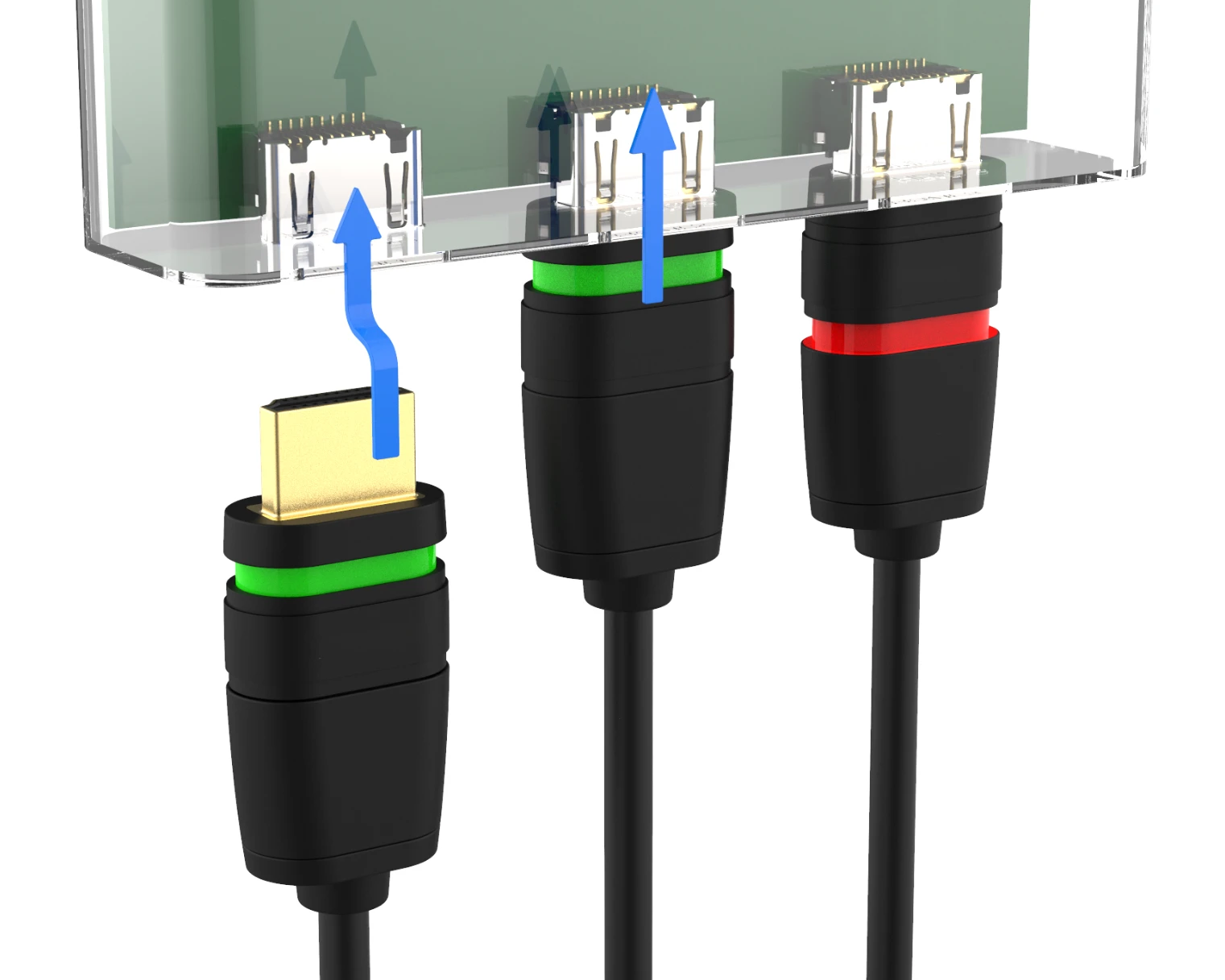
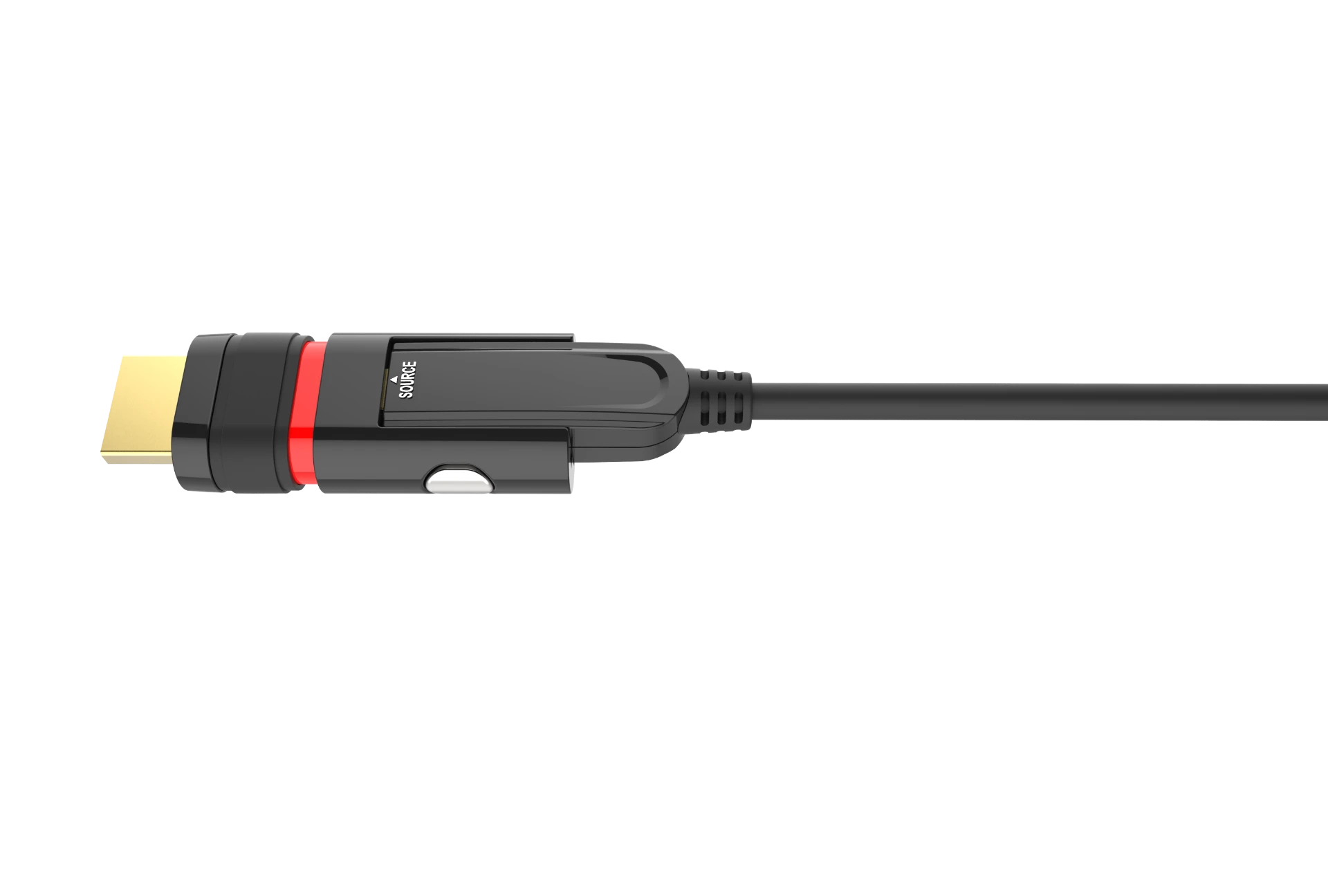
Cable weight, vibration or a passing knock can pull a standard HDMI plug out. On a live screen or stage, that means a lost picture. Our lock holds the connector in the port. Releasing it takes a deliberate action.
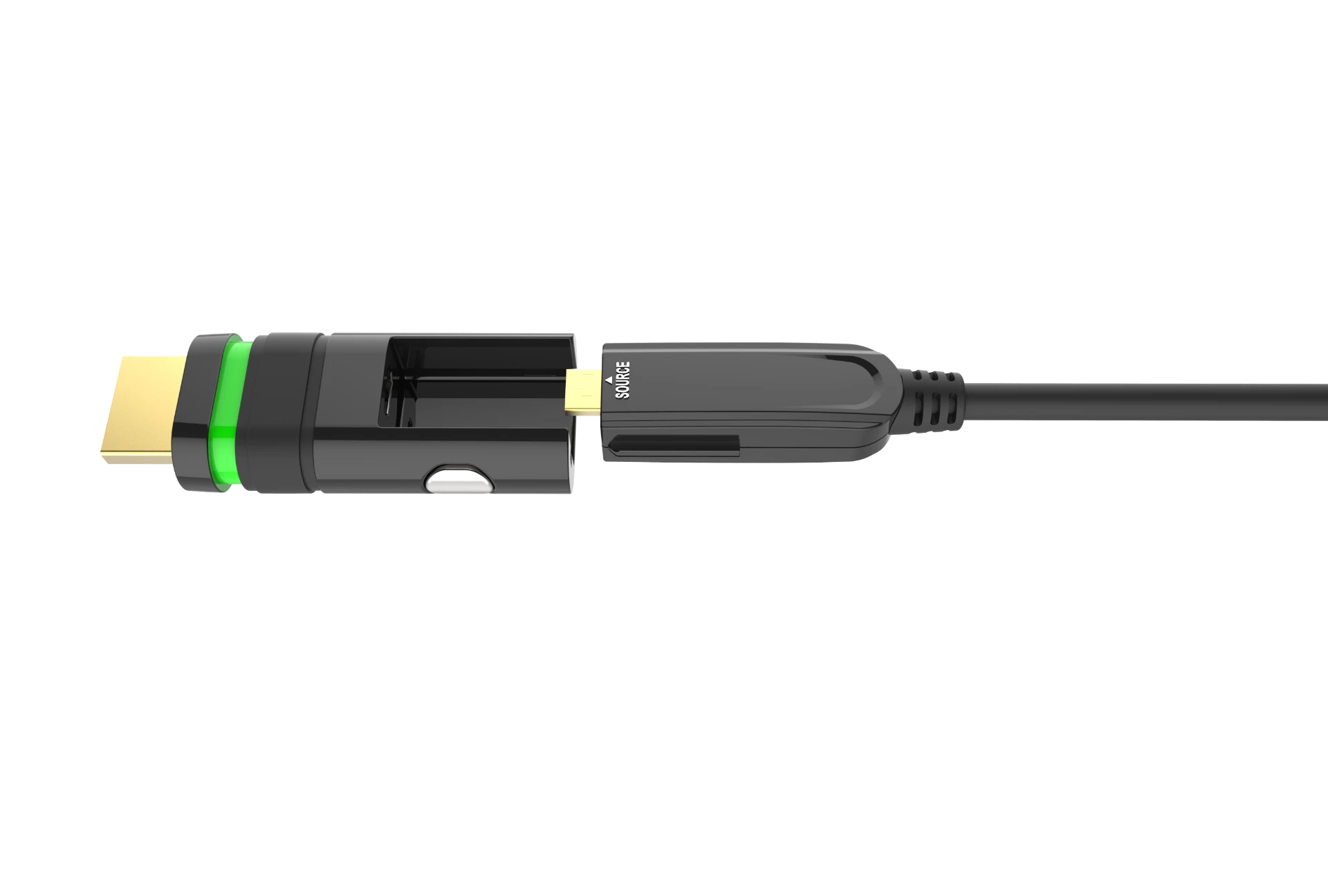
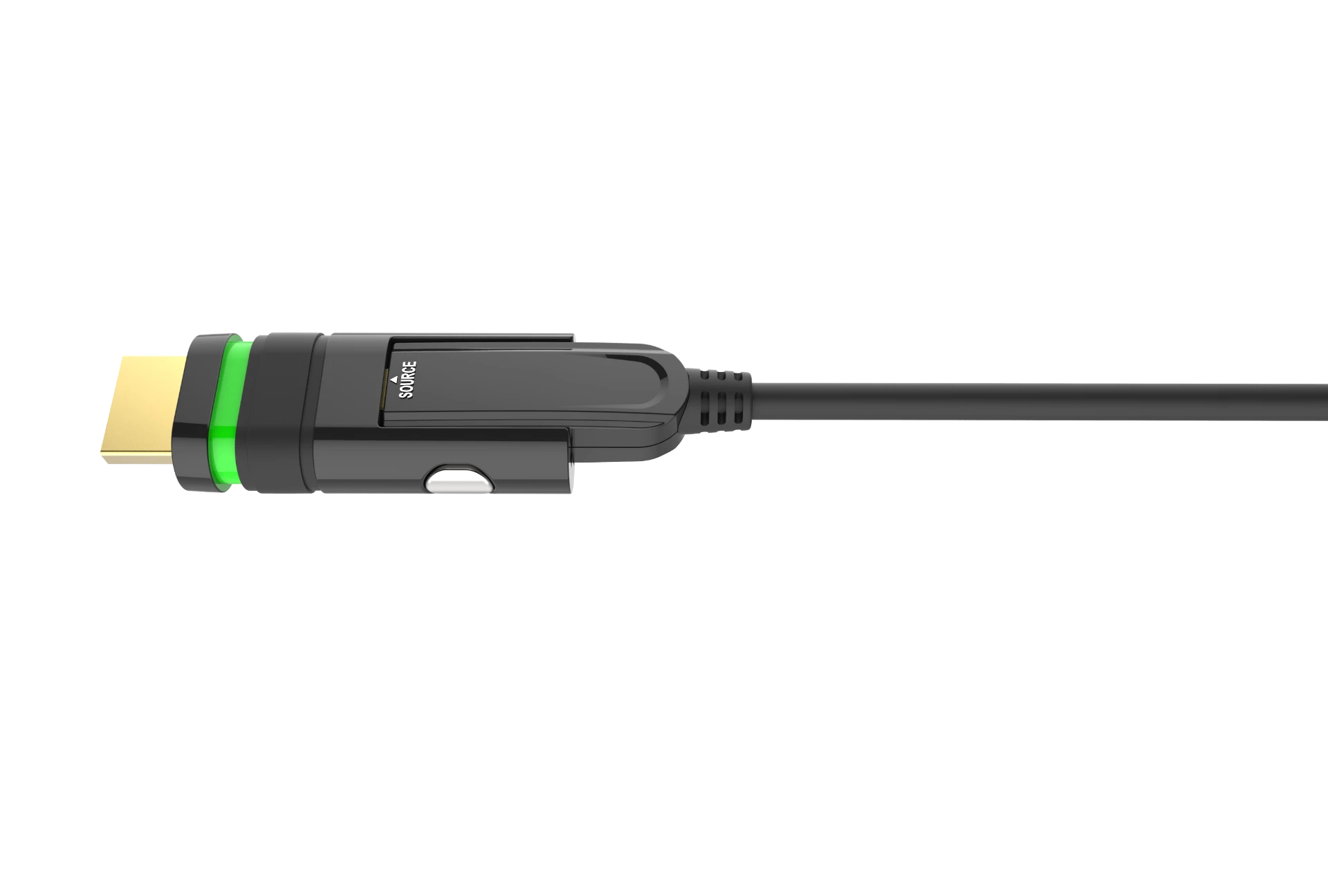
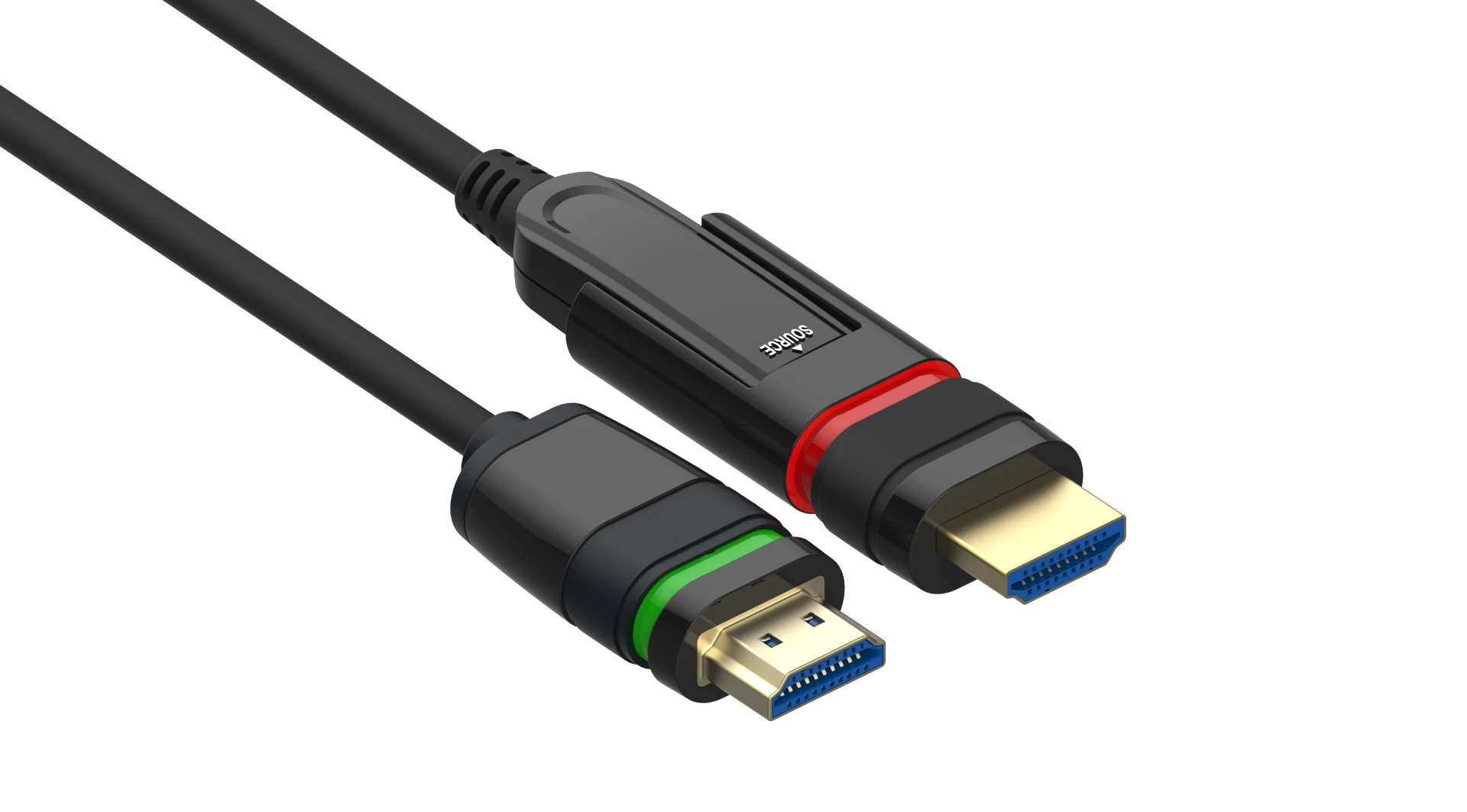
Detachable ends reduce the connector size, making it easy to route the cable through walls or trunking, while still featuring our patented locking mechanism.
Filter our AOC HDMI range, add the quantities you need, and send it to us as a quote request. Trade pricing is quoted to business accounts.
6 cable types · 78 lengths
| Length | Part no. | Quantity | Add to quote |
|---|---|---|---|
| 5 m | AO-H20-AA-050 | ||
| 7.5 m | AO-H20-AA-075 | ||
| 10 m | AO-H20-AA-100 | ||
| 12.5 m | AO-H20-AA-125 | ||
| 15 m | AO-H20-AA-150 | ||
| 20 m | AO-H20-AA-200 | ||
| 25 m | AO-H20-AA-250 | ||
| 30 m | AO-H20-AA-300 | ||
| 40 m | AO-H20-AA-400 | ||
| 50 m | AO-H20-AA-500 | ||
| 60 m | AO-H20-AA-600 | ||
| 70 m | AO-H20-AA-700 | ||
| 100 m | AO-H20-AA-1000 |
| Length | Part no. | Quantity | Add to quote |
|---|---|---|---|
| 5 m | AO-H20-AD-050 | ||
| 7.5 m | AO-H20-AD-075 | ||
| 10 m | AO-H20-AD-100 | ||
| 12.5 m | AO-H20-AD-125 | ||
| 15 m | AO-H20-AD-150 | ||
| 20 m | AO-H20-AD-200 | ||
| 25 m | AO-H20-AD-250 | ||
| 30 m | AO-H20-AD-300 | ||
| 40 m | AO-H20-AD-400 | ||
| 50 m | AO-H20-AD-500 | ||
| 60 m | AO-H20-AD-600 | ||
| 70 m | AO-H20-AD-700 | ||
| 100 m | AO-H20-AD-1000 |
| Length | Part no. | Quantity | Add to quote |
|---|---|---|---|
| 5 m | AO-H20-DD-050 | ||
| 7.5 m | AO-H20-DD-075 | ||
| 10 m | AO-H20-DD-100 | ||
| 12.5 m | AO-H20-DD-125 | ||
| 15 m | AO-H20-DD-150 | ||
| 20 m | AO-H20-DD-200 | ||
| 25 m | AO-H20-DD-250 | ||
| 30 m | AO-H20-DD-300 | ||
| 40 m | AO-H20-DD-400 | ||
| 50 m | AO-H20-DD-500 | ||
| 60 m | AO-H20-DD-600 | ||
| 70 m | AO-H20-DD-700 | ||
| 100 m | AO-H20-DD-1000 |
| Length | Part no. | Quantity | Add to quote |
|---|---|---|---|
| 5 m | AO-H21-AA-050 | ||
| 7.5 m | AO-H21-AA-075 | ||
| 10 m | AO-H21-AA-100 | ||
| 12.5 m | AO-H21-AA-125 | ||
| 15 m | AO-H21-AA-150 | ||
| 20 m | AO-H21-AA-200 | ||
| 25 m | AO-H21-AA-250 | ||
| 30 m | AO-H21-AA-300 | ||
| 40 m | AO-H21-AA-400 | ||
| 50 m | AO-H21-AA-500 | ||
| 60 m | AO-H21-AA-600 | ||
| 70 m | AO-H21-AA-700 | ||
| 100 m | AO-H21-AA-1000 |
| Length | Part no. | Quantity | Add to quote |
|---|---|---|---|
| 5 m | AO-H21-AD-050 | ||
| 7.5 m | AO-H21-AD-075 | ||
| 10 m | AO-H21-AD-100 | ||
| 12.5 m | AO-H21-AD-125 | ||
| 15 m | AO-H21-AD-150 | ||
| 20 m | AO-H21-AD-200 | ||
| 25 m | AO-H21-AD-250 | ||
| 30 m | AO-H21-AD-300 | ||
| 40 m | AO-H21-AD-400 | ||
| 50 m | AO-H21-AD-500 | ||
| 60 m | AO-H21-AD-600 | ||
| 70 m | AO-H21-AD-700 | ||
| 100 m | AO-H21-AD-1000 |
| Length | Part no. | Quantity | Add to quote |
|---|---|---|---|
| 5 m | AO-H21-DD-050 | ||
| 7.5 m | AO-H21-DD-075 | ||
| 10 m | AO-H21-DD-100 | ||
| 12.5 m | AO-H21-DD-125 | ||
| 15 m | AO-H21-DD-150 | ||
| 20 m | AO-H21-DD-200 | ||
| 25 m | AO-H21-DD-250 | ||
| 30 m | AO-H21-DD-300 | ||
| 40 m | AO-H21-DD-400 | ||
| 50 m | AO-H21-DD-500 | ||
| 60 m | AO-H21-DD-600 | ||
| 70 m | AO-H21-DD-700 | ||
| 100 m | AO-H21-DD-1000 |
Find a partner near you for sales and support.
PureLink GmbH
Radioparts
Beijing East Sun Technology Co., Ltd
ADTECHNO Inc
RT Com Co., Ltd
An AOC converts the electrical HDMI signal to light at one end, sends it over fibre, and converts it back at the other end. You plug it in like a normal HDMI cable; the conversion happens inside the connectors.
Copper loses signal quality over distance, especially at 4K and 8K. AOC carries full bandwidth over long runs, typically [up to 100 m+], with no loss. It is also much thinner and lighter, and immune to electrical interference from power cables, motors or lighting.
Yes. AOC cables have a Source end and a Display end, marked on the connectors. The Source end goes to the player, PC, console or switch; the Display end goes to the TV, projector or monitor. Plugged in backwards, it will not work. This is the most common cause of a “no signal” problem.
Most AOC cables draw power from the HDMI port of the source device, so no adaptor is needed. A few low-power sources do not supply enough; in that case use a USB power adaptor or a powered HDMI port.
Yes, as long as the Source end connects to the device sending the signal. If you have a receiver or switch in the chain, the AOC's Source end goes on the receiver or switch output.
8K@60Hz, 4K@120Hz, 48 Gbps, HDMI 2.1, HDR, eARC, VRR/ALLM.
[Lengths to be listed. Example range: 0.50 m to 100 m]
No noticeable delay. The optical conversion adds effectively zero latency, so it is suitable for gaming and live production.
Keep bends to a minimum radius of 30 mm. Avoid kinks, crushing, sharp edges and tight cable ties, which can damage the fibre.
Yes. The thin, light cable pulls easily. Pull it by the cable or with a pulling sock, never by the connector, and protect the connector ends while pulling. [Fire/in-wall rating: CL3/CMR/LSZH]
Yes, all lengths.
[Our warranty terms.]
Tell us your country, model, application and expected quantity.