
Germany
PureLink GmbH
- Website
- purelink.de
- Phone
- +49 5971 809 2990
Cables and connectors


A loose cable shouldn't be the reason your system fails. We are a team of AV innovators who set out to fix a universal problem: unreliable HDMI connections. Through precision engineering and patented locking technology, we've created a premium range of cables and interfaces that stay perfectly anchored. No dropouts. No accidental disconnects. Just flawless, uninterrupted signal.
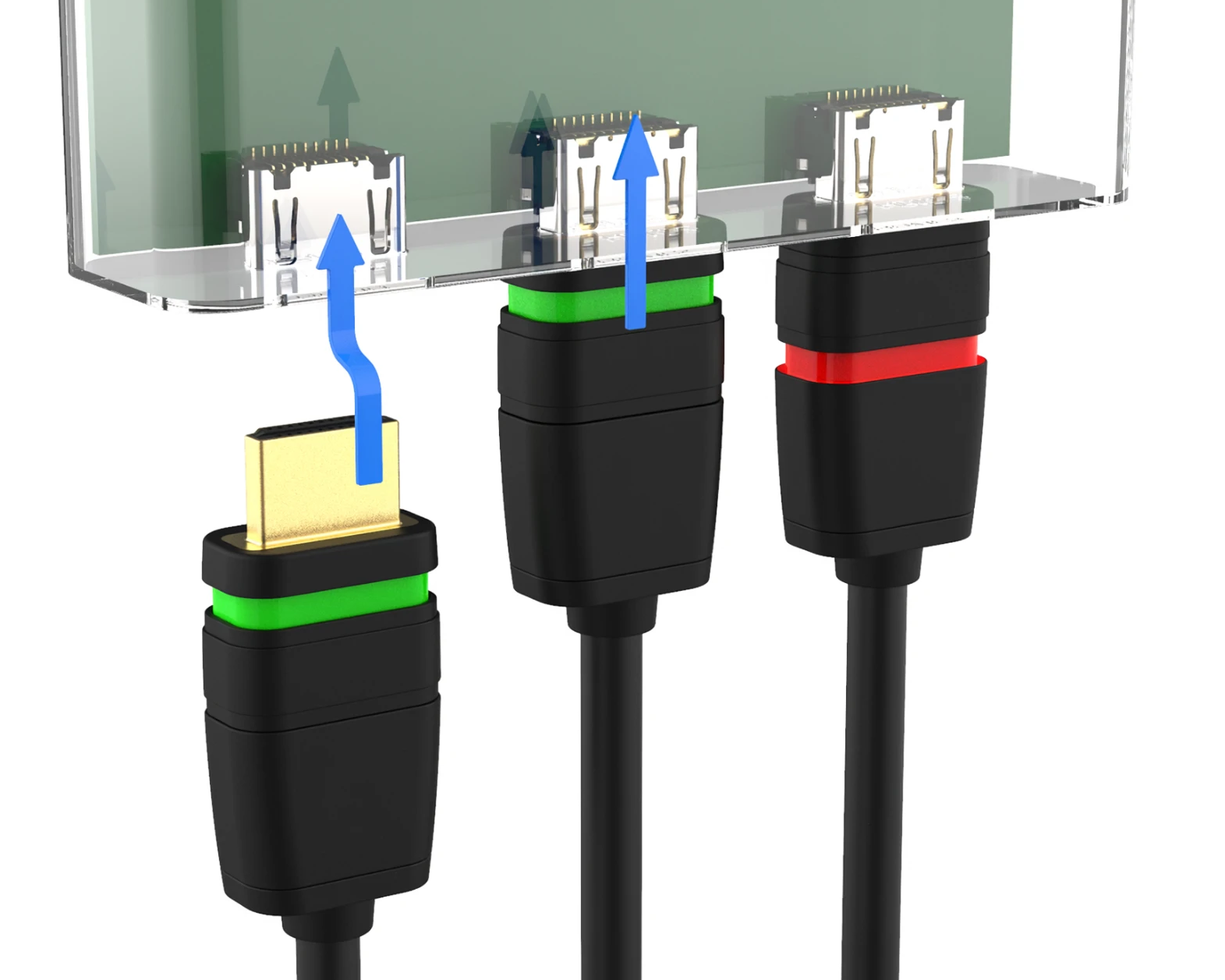
Cable weight, vibration or a passing knock can pull a standard HDMI plug out. On a live screen or stage, that means a lost picture. Our lock holds the connector in the port. Releasing it takes a deliberate action.
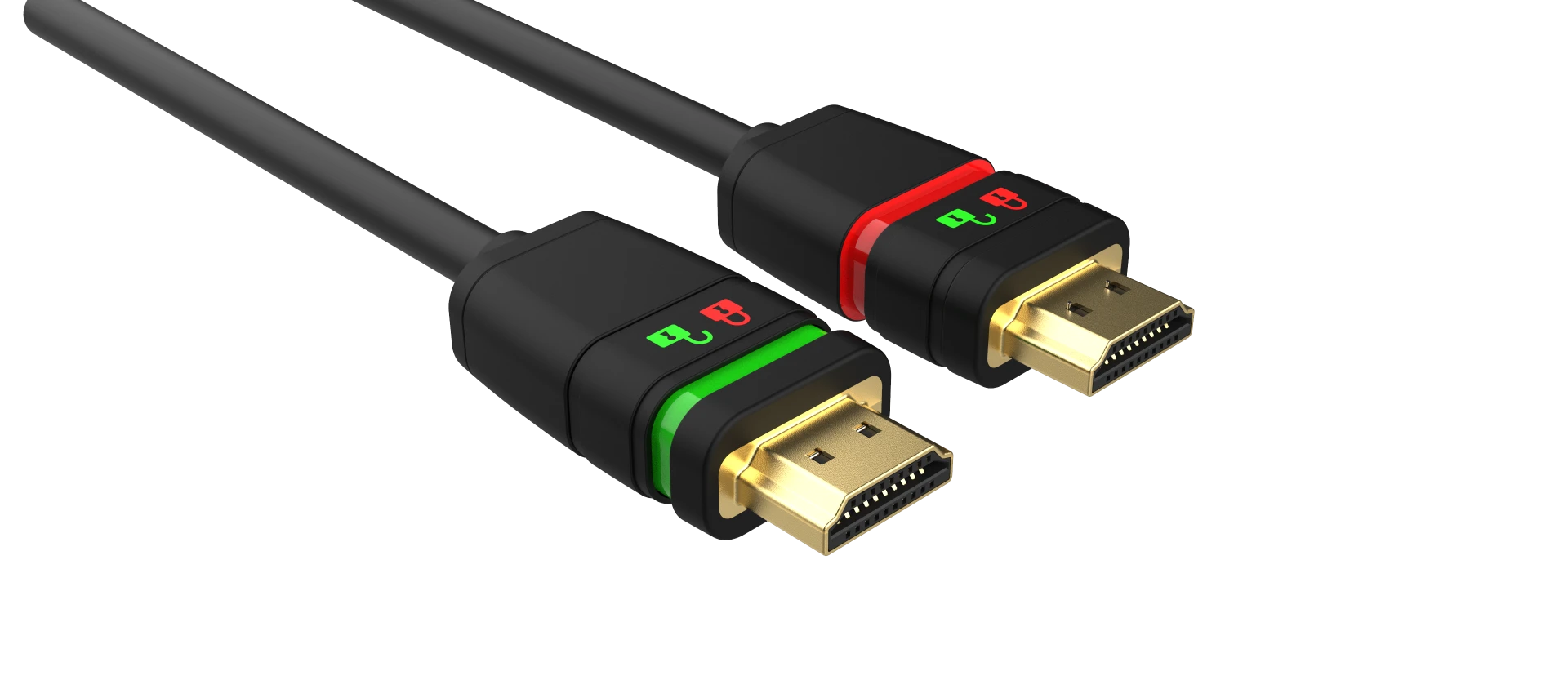
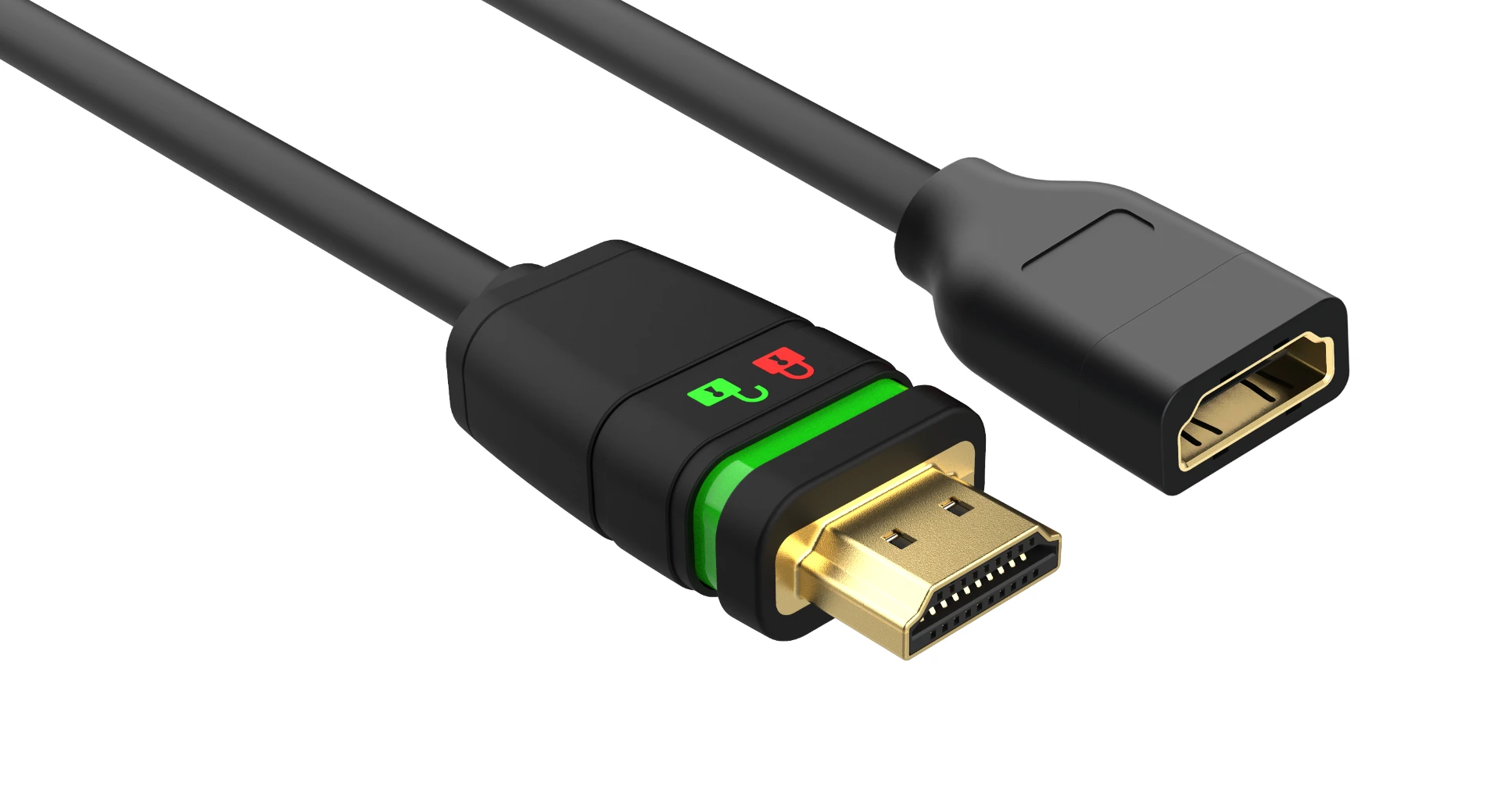
Add length without replacing your current cable. This HDMI A (male) to A (female) extension plugs straight onto your existing cable, and our patented locking connector holds it securely in place so the extended connection won’t work loose.
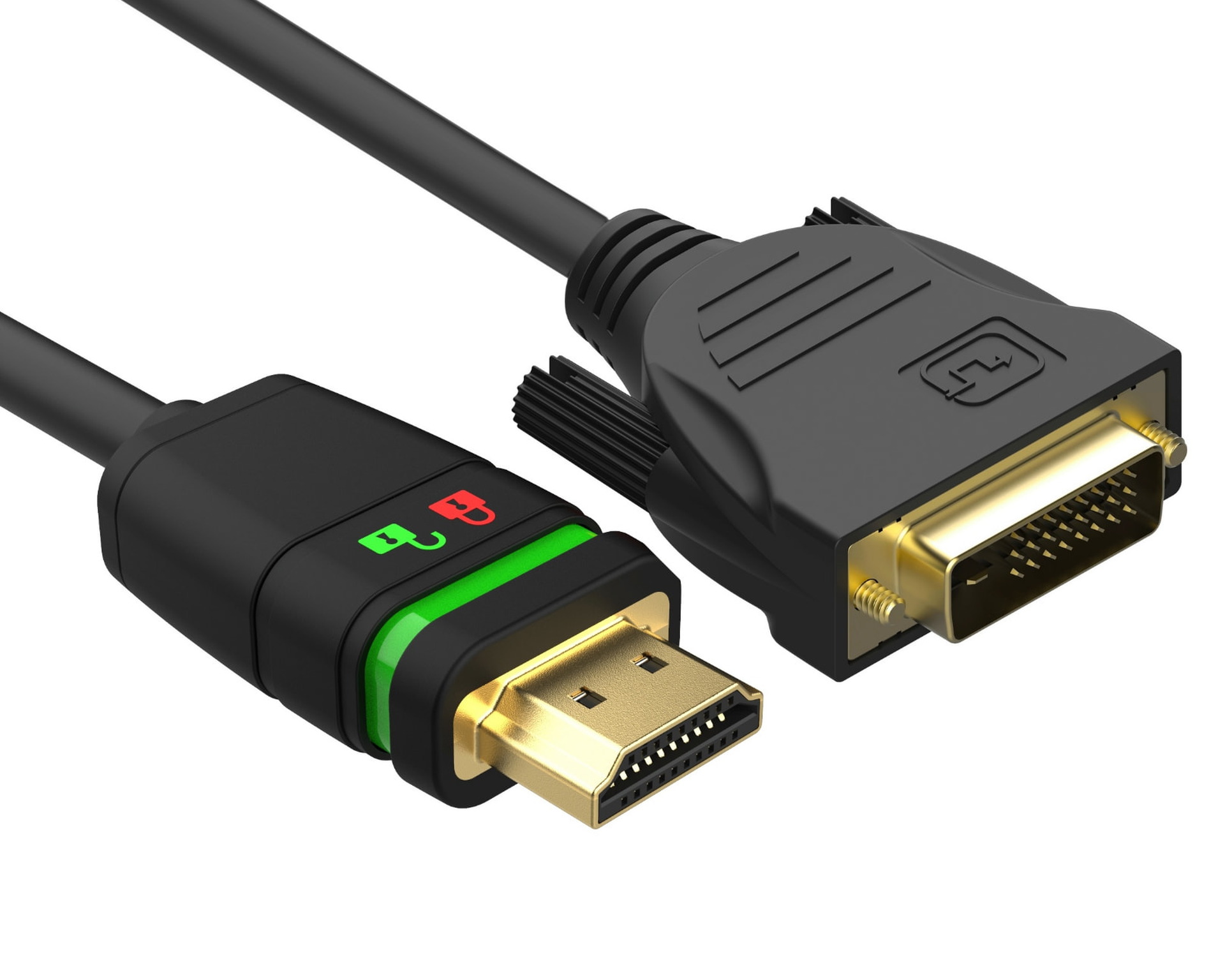
A secure connection between HDMI sources and DVI-D displays, with the same locking mechanism as our HDMI range.
Filter our copper HDMI range, add the quantities you need, and send it to us as a quote request. Trade pricing is quoted to business accounts.
4 cable types · 21 lengths
| Length | Part no. | Quantity | Add to quote |
|---|---|---|---|
| 0.5 m | CU-H20-AA-005 | ||
| 1 m | CU-H20-AA-010 | ||
| 2 m | CU-H20-AA-020 | ||
| 3 m | CU-H20-AA-030 | ||
| 5 m | CU-H20-AA-050 | ||
| 7.5 m | CU-H20-AA-075 | ||
| 10 m | CU-H20-AA-100 |
| Length | Part no. | Quantity | Add to quote |
|---|---|---|---|
| 0.5 m | CU-H21-AA-005 | ||
| 1 m | CU-H21-AA-010 | ||
| 2 m | CU-H21-AA-020 | ||
| 3 m | CU-H21-AA-030 |
| Length | Part no. | Quantity | Add to quote |
|---|---|---|---|
| 0.5 m | CU-H20-AD-005 | ||
| 1 m | CU-H20-AD-010 | ||
| 2 m | CU-H20-AD-020 | ||
| 3 m | CU-H20-AD-030 | ||
| 5 m | CU-H20-AD-050 |
| Length | Part no. | Quantity | Add to quote |
|---|---|---|---|
| 0.5 m | CU-H20-AF-005 | ||
| 1 m | CU-H20-AF-010 | ||
| 2 m | CU-H20-AF-020 | ||
| 3 m | CU-H20-AF-030 | ||
| 5 m | CU-H20-AF-050 |
Find a partner near you for sales and support.
PureLink GmbH
Radioparts
Beijing East Sun Technology Co., Ltd
ADTECHNO Inc
RT Com Co., Ltd
It is a standard HDMI cable with a mechanism on the connector that grips the port so the cable cannot be pulled out by accident. It carries the same audio and video signal as a normal HDMI cable.
Anywhere a loose cable causes a blank screen: digital signage, kiosks, conference rooms, rental and staging, broadcast, vehicles, and equipment that vibrates or gets moved. Standard HDMI relies on friction alone and can work loose over time.
Two pins insert into the HDMI female body. The cable clicks into place on insertion. To remove it, move the release button and pull straight out. Never pull on the cable itself.
Locking pins and most latch-style locking HDMI connectors work with any standard HDMI Type A port and grip the inside of the port.
Yes, if the device has a standard full-size HDMI port. The lock does not affect compatibility. Very thick device housings or recessed ports may need checking first.
Yes, provided those have standard HDMI ports. The lock grips the HDMI port on whatever it plugs into.
4K@60Hz, 8K@60Hz and 4K@120Hz at 18 Gbps or 48 Gbps, HDMI 2.0 or 2.1. It also supports HDR, ARC/eARC, CEC and the Ethernet channel as listed on the product page.
Premium High Speed or Ultra High Speed HDMI certified, only with label.
All lengths. For runs longer than about 5–10 m at 4K or above, we recommend our Active Optical Cable instead.
No, when removed correctly. Always release the lock before pulling. Forcing the cable out while locked can damage the connector or port.
Tell us your country, model, application and expected quantity.